
Newsletter
Join the Community
Subscribe to our newsletter for the latest news and updates
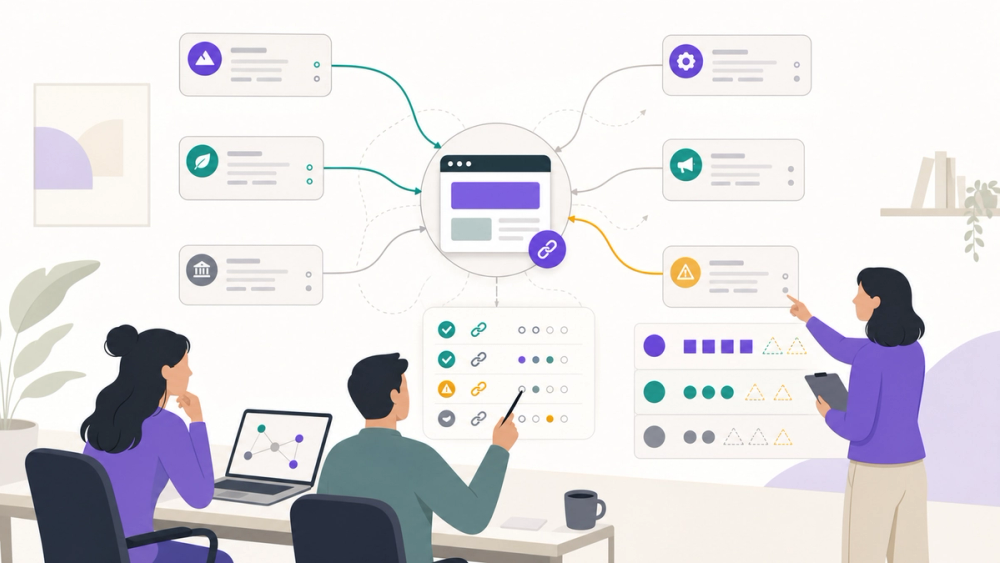
Free backlink checker tools reveal links, referring domains, and link quality signals without a paid SEO suite. Here are 7 worth using in 2026.
2026/05/15
AI-generated editorial illustration for this article. Not a real SEO tool interface or official product screenshot.
A free backlink checker will not replace a real SEO stack.
But if you are running a small AI tool site, directory, SaaS landing page, or content project, it can answer the question that matters most this week: who is linking to us, who is linking to competitors, and what should we chase next?
The trap is pretending every free backlink checker is the same.
Some tools show a tiny sample of a huge link index. Some only work well for your own verified site. Some are great for quick prospecting but painful for reporting. If you do not know the difference, you will make weird decisions from incomplete data.
If you follow Product Growth, this is the link-building version of choosing a lightweight CRM: the free tier is useful, but only if you know exactly where it stops.
A free backlink checker is an SEO tool that shows inbound links pointing to a domain, subdomain, or specific URL without requiring a paid subscription up front. In practice, it usually reports referring domains, backlink counts, anchor text, follow/nofollow status, authority-style metrics, and sometimes new/lost link status.
The key word is "usually."
Backlink tools crawl different parts of the web, update at different speeds, and sample their data differently. That is why Ahrefs, Semrush, Moz, Majestic, Seobility, Ubersuggest, and Google Search Console can all show different backlink counts for the same site.
That does not mean one of them is useless. It means you should treat free backlink data as a directional signal, not a courtroom transcript.
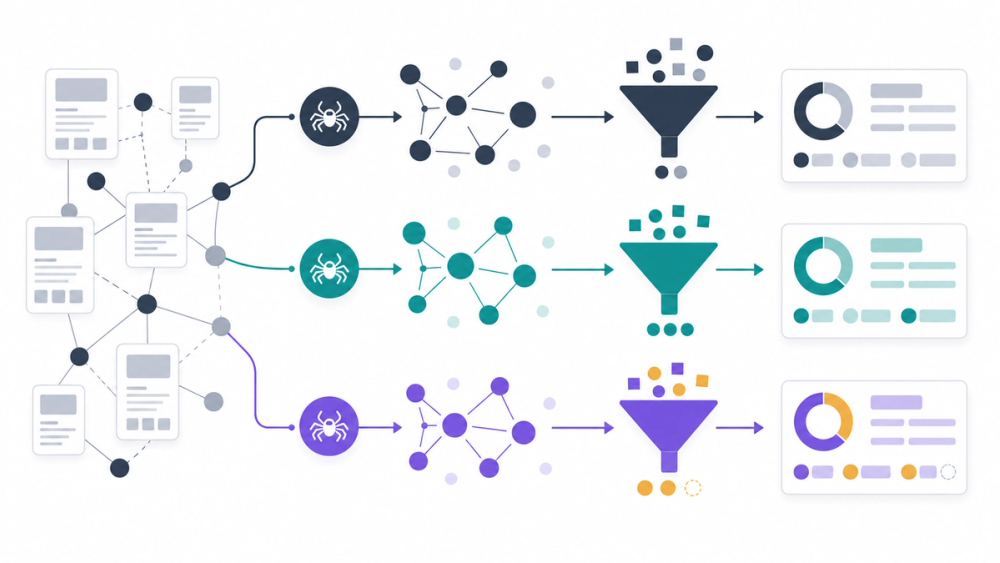
AI-generated workflow illustration. It explains backlink data sampling without showing a real product UI.
I evaluated this shortlist as a budget-constrained operator, not as an enterprise SEO buyer.
The evidence is based on public product pages, official documentation, and free-access claims available as of May 2026.
I looked for five things: competitor lookup, own-site accuracy, referring domain visibility, link quality signals, and how quickly a non-SEO specialist can turn the data into an action.
I did not count a tool as "free" just because it has a paid trial.
I also separated free sample tools from webmaster tools, because Google Search Console is excellent for your own site and useless for spying on a competitor.
Google Search Console is not a flashy backlink research tool, but it is the first place I would look for any site I control.
Google's Links report shows external links, top linked pages, top linking sites, and top linking text. The important caveat: Google says the report is a sample, not a comprehensive list of every link.
That caveat matters. If a client asks, "Did this campaign earn links?", Search Console is useful. If you ask, "Which journalist links to my competitor but not to me?", it is the wrong tool.
Real workflow: "Open Links -> External links -> Top linking sites, export the obvious spam domains, then compare top linked pages against your content priorities."
Watch out: Search Console only works for verified properties. It will not give you competitor backlink data.
Free boundary: Free for verified site owners, but sample-based and limited to properties you can access.
✅ Best for: Founders, editors, and site owners checking the backlink profile they actually control.
🚫 Skip if: You need competitor prospecting or a full third-party link index.
Ahrefs Free Backlink Checker is the one I would use when I need a fast read on a competitor's link profile.
Ahrefs positions the free checker as a glimpse into its premium backlink tool. The public page highlights referring domains, backlinks, Domain Rating, URL Rating, follow/nofollow filters, anchor text, linked pages, and organic traffic estimates inside the broader paid product.
The free version is useful because Ahrefs has a strong crawler and link index. It is not useful because it magically gives you the whole paid product for free.
Real workflow: "Drop in a competitor homepage, scan the strongest referring domains, then ask: are these directories, editorial mentions, product listings, tools pages, or partner links?"
Watch out: Treat it as a sample. If you are building a full outreach list, you will eventually hit the paid wall.
Free boundary: Free checker available; full reports, filters, exports, and deeper competitive analysis require paid Ahrefs access.
✅ Best for: Quick competitive backlink reconnaissance before deciding whether a niche is worth pursuing.
🚫 Skip if: You need repeatable agency reporting from the free tier.
Semrush's free backlink checker is the most beginner-friendly option on this list.
Semrush says the free checker is powered by Backlink Analytics and can show backlinks, referring domains, Authority Score, anchor text, and follow/nofollow status without creating an account. Its public page also says Backlink Analytics is the paid, fuller version for complete profiles, filters, comparison, tracking, and exports.
That makes the free tool useful for the first pass: understand the site, spot obvious patterns, and decide whether a deeper audit is worth the time.
Real workflow: "Run your domain and two competitors, compare referring domains and top anchors, then write down three link types competitors are earning that you are not."
Watch out: Do not confuse the free checker with the paid Backlink Analytics workflow. The free version is a snapshot, not a campaign command center.
Free boundary: Free checker with no account required, based on Semrush's public product page; deeper analysis lives in paid Backlink Analytics.
✅ Best for: Small teams that want a clean backlink overview without learning an enterprise SEO interface first.
🚫 Skip if: You need daily link monitoring, historical exports, or advanced filters without paying.
Moz Link Explorer is useful when you care about quick authority-style metrics as much as raw backlink counts.
Moz presents Link Explorer as a free backlink checker that gives access to Domain Authority, Page Authority, linking domains, and related link metrics. For a non-SEO founder, those scores can be a helpful shorthand when deciding whether a backlink source is worth attention.
I would not use Moz as my only backlink checker. I would use it as a second opinion when Ahrefs or Semrush shows a domain that looks important but I want another quality lens.
Real workflow: "Take a list of 20 possible backlink prospects, run the most promising domains through Moz, and remove the obvious low-trust junk before outreach."
Watch out: Proprietary authority scores are helpful, but they are not Google rankings. Do not treat DA or PA as the only truth.
Free boundary: Free checker page available; deeper usage and larger workflows may require Moz account or paid access.
✅ Best for: Quick link-quality triage and founder-friendly authority checks.
🚫 Skip if: You need the largest possible backlink export.
Majestic Free Backlink Checker is the most SEO-nerd option here, in a good way.
Majestic is built around backlink analysis and its own Flow Metric scores, including Trust Flow, Citation Flow, and Topical Trust Flow. Its public page also highlights referring domains, external inbound links, link profile charts, and competitor backlink monitoring.
If you are trying to understand whether a site's backlinks are genuinely relevant or just noisy, Majestic is worth checking.
Real workflow: "Run a competitor, look at Trust Flow versus Citation Flow, then check whether the topical signals match the market you actually want to win."
Watch out: The interface and vocabulary can feel heavier than Semrush or Ubersuggest. If you are new to SEO, start somewhere simpler.
Free boundary: Free checker/demo access is available, while deeper Flow Metric reports and advanced tools are tied to Majestic plans or registration.
✅ Best for: Link builders who care about topical relevance and quality signals.
🚫 Skip if: You want the friendliest first backlink tool for a marketing intern.
Seobility's Backlink Checker is a practical lightweight tool for quick checks.
Seobility says its free backlink checker can analyze any website or URL, show follow/nofollow ratios, referring domains, top backlinks, link rating, link text, and link type. The page also makes the free boundary unusually clear: the Basic plan lists 5 checks per day and is free forever.
That clarity is refreshing. You know what you get before you start.
Real workflow: "Use Seobility as the morning check: one query for your homepage, one for a money page, and three for competitors or prospects."
Watch out: Five checks per day is enough for triage, not enough for a serious campaign.
Free boundary: 5 checks per day on the Basic plan, according to Seobility's public page as of May 2026.
✅ Best for: Solo operators who want a lightweight free backlink checker with clear daily limits.
🚫 Skip if: You need bulk research or dozens of competitor checks in one sitting.
Ubersuggest Backlinks is the tool I would give someone who understands content marketing but not backlink analysis yet.
The public page says it can show who links to you and competitors, total link count, .edu and .gov links, unique referring domains, advanced filters, dofollow/nofollow filtering, one-backlink-per-domain views, and CSV export after filtering.
That is enough to teach the mental model: backlinks are not just a number, they are a list of relationships you can inspect.
Real workflow: "Enter a competitor URL, filter to one backlink per domain, then sort for pages that look editorial, directory-based, partner-based, or resource-list based."
Watch out: Ubersuggest is easy to start with, but serious SEO teams may outgrow its free access quickly.
Free boundary: Free backlink checker page available; plan limits and exports may vary by account and current Ubersuggest pricing.
✅ Best for: Beginners who need backlink ideas without getting buried in advanced SEO language.
🚫 Skip if: You already know Ahrefs or Semrush and need deep link operations.
Start with the job, not the brand.
If you own the site, start with Google Search Console. It is not complete, but it is the closest thing to your own Google-side link reality.
If you are checking competitors, start with Ahrefs or Semrush. They give the fastest directional view of who is earning links in your niche.
If you are trying to judge quality, add Moz or Majestic. Their authority-style metrics help separate useful prospects from link noise.
If you want lightweight daily checks, use Seobility. If you are teaching someone new, use Ubersuggest.
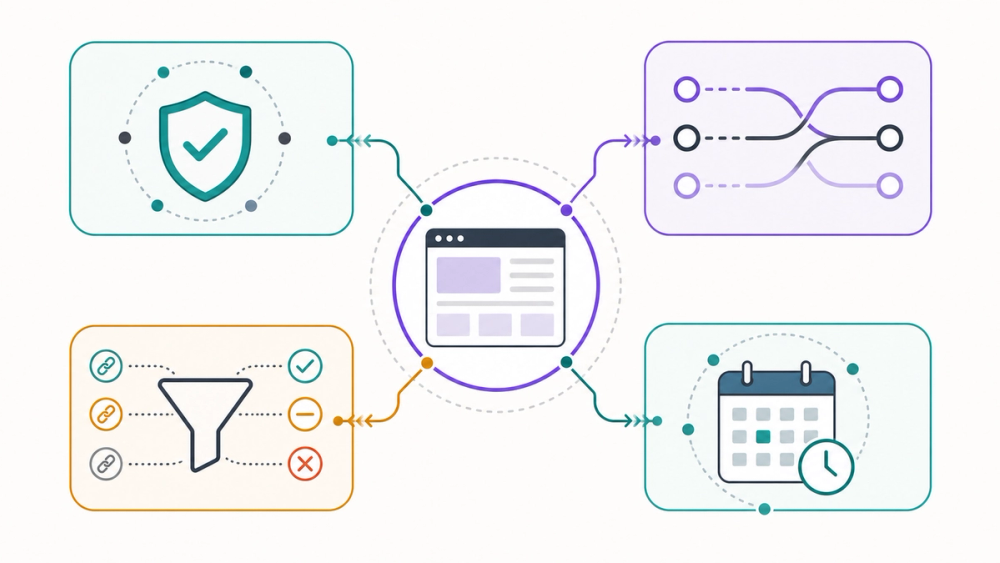
AI-generated framework illustration. It explains the selection logic without using real vendor screenshots.
My honest stack for a small AI tool site would be simple: Search Console for your own site, Semrush or Ahrefs for competitor discovery, and Seobility when you just need a quick extra look.
Do not worship the backlink count. The useful question is: which links explain why a competitor is visible, and which ones can you realistically earn too?
What is the best free backlink checker? The best free backlink checker depends on the job. Use Google Search Console for your own verified site, Ahrefs or Semrush for quick competitor snapshots, Seobility for lightweight daily checks, and Moz or Majestic when you want authority-style quality signals.
Are free backlink checker tools accurate? They are directionally useful, not perfect. Each tool has its own crawler, index size, update schedule, sampling rules, and metric system. Even Google Search Console says its Links report is a sample, so do not expect every tool to show the same backlink count.
Can I check competitor backlinks for free? Yes, tools like Ahrefs, Semrush, Majestic, Seobility, and Ubersuggest offer free ways to check competitor backlinks or link samples. The catch is that free access usually limits depth, exports, filters, or daily checks.
Can Google Search Console show all backlinks? No. Google's documentation says the Links report is not a comprehensive list of every link to your site. It shows a sample of internal and external links and can omit URLs for reasons such as deduping or non-indexed pages.
Should I pay for a backlink checker? Pay when backlinks become an operating workflow, not a curiosity. If you need exports, monitoring, outreach lists, lost-link recovery, competitor comparisons, and reporting, a paid tool will save time. If you only need occasional checks, free tools are enough.
Discover more AI tools, SEO workflows, and growth software at AIToolHunt.