Newsletter
Join the Community
Subscribe to our newsletter for the latest news and updates
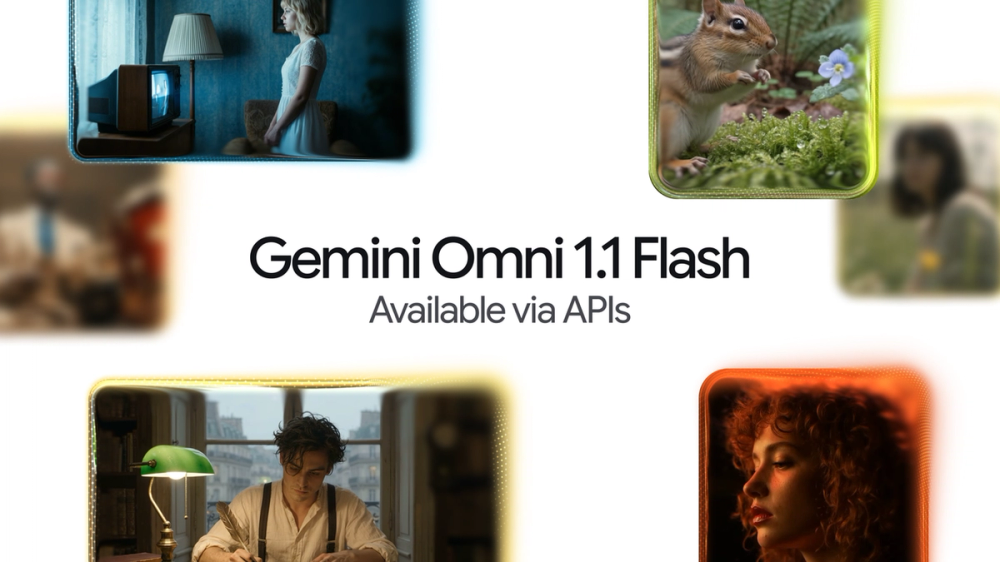
Source: Google's official Gemini Omni 1.1 Flash announcement.
AI video models usually make you gamble on a full clip, then regenerate when the camera move or ending misses. Gemini Omni 1.1 Flash is more interesting because Google is turning those guesses into controls: continue an existing scene, set the first and last frames, reference another video, draft cheaply, then upscale.
That sounds closer to directing than prompting. It is still a launch-day workflow, not proof that every transition will hold together. Developers and creators should test the controls now; teams that need repeatable characters, exact motion, or production reliability should wait for independent evidence before switching a pipeline.
Gemini Omni 1.1 Flash is Google's production-ready generative video model for developers who need more control than a text prompt and a fixed clip. Released on August 27, 2026, it can analyze up to 10 seconds of prior video, extend a scene in 10-second steps to 40 seconds, generate a transition between chosen first and last frames, use up to three seconds of reference video, and output 1080p or 4K. Google's official announcement says it is available through the Gemini API in Google AI Studio, while Flow access is rolling out globally to Google AI Plus, Pro, and Ultra subscribers. The Decoder's independent report confirms the same control set and availability. The useful takeaway is narrow: Omni 1.1 gives builders better shot-planning tools, but neither source independently proves long-scene consistency, character fidelity, or production reliability across real workloads.
The public evidence supports a stronger workflow claim than a quality claim.
No public independent evaluation found during this run measured prompt adherence, temporal consistency, character persistence, generation failures, or latency across a representative task set. This article therefore avoids ranking Omni 1.1 against other video models.
The most consequential change is state between shots. Google's previous scene-extension method referenced the final second of a clip; the company says Omni 1.1 can analyze up to 10 seconds. More context should give the model a better chance of carrying camera direction and narrative information forward, but that is still Google's product claim, not an independent consistency score.
First-and-last-frame control changes the user interaction too. Instead of asking for a vague transition, a creator can define the endpoints and ask the model to fill the motion between them. That makes a generative video API easier to place inside storyboarding, product demos, music visuals, and transition tools.
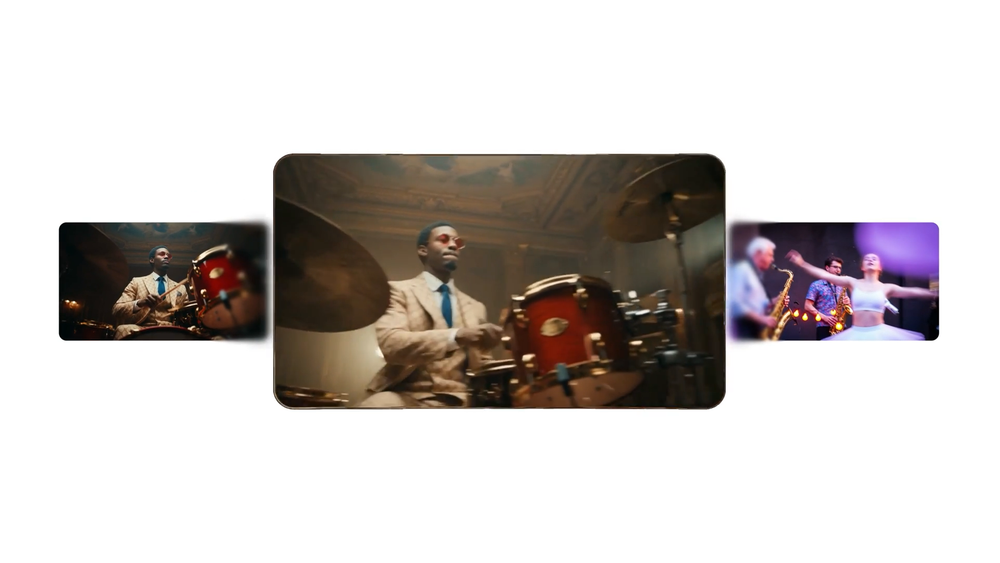
Source: Google's official first-and-last-frame demonstration. This representative frame shows the provided start and end frames around the generated transition; it is a selected vendor demo, not an independent quality test.
The model exposes several controls that can be combined, but each solves a different part of the workflow.
Scene extension continues from an existing clip. Omni 1.1 reads up to 10 seconds of prior context, then generates another 10-second segment. Google says extensions can accumulate to 40 seconds. That is useful for longer sequences, but every extension is another place for a subject, lighting setup, or camera path to drift.
First-and-last-frame generation asks the model to create the motion between two chosen images. This is best understood as constrained interpolation with a generative middle, not deterministic animation. The endpoints are known; the path between them is still model output.
Video references let an application supply up to three seconds of outside footage as context for motion, characters, or visual direction. A reference can guide output, but the public launch does not define a measurable fidelity guarantee.
Draft and upscale separate ideation from delivery. A team can use 360p for quick variations, then request 1080p or 4K after selecting a direction. Google's page reports a speed and cost advantage for 360p, but this article does not repeat those percentages because no independent test was available.
The new controls make Omni 1.1 easier to integrate into a real product than a single text-to-video endpoint. A useful API test should pin one workflow at a time: scene extension, keyframe transition, reference-video transfer, then upscale. Mixing every control in the first evaluation makes failures hard to diagnose.
Track more than whether a clip looks good once. Record completion rate, rejected generations, retry count, subject drift, endpoint accuracy, motion artifacts, time to a usable clip, output resolution, and total cost per accepted result. A low per-generation price can still be expensive if three out of four clips need replacement.
For user-uploaded references, treat rights and retention as product requirements. The launch page explains capability, not your app's permission model. Developers still need clear upload consent, file limits, deletion behavior, abuse review, and a policy for copyrighted or biometric material.
Creators should care less about the model number and more about whether the new controls remove a real editing loop. If your current process repeatedly regenerates because a clip stops too early or lands on the wrong final composition, scene extension and endpoint control are worth trying.
If you only make one-off clips from text, the change may feel smaller. A pretty launch demo does not tell you how often the model follows a difficult camera instruction, preserves a face, keeps text stable, or matches a reference over several generations.
The decision rule is simple: test now if shot control is your bottleneck; wait if consistent identity or exact repeatability is your non-negotiable requirement.
Bottom line: Gemini Omni 1.1 Flash is worth a controlled test because it exposes better directing controls. The release does not yet justify replacing a proven video pipeline without measuring consistency and retries on your own clips.
Is Gemini Omni 1.1 Flash available now?
Yes. Google says developers can access it through Google AI Studio and the Gemini API as of August 27, 2026. Flow access is rolling out globally to Google AI Plus, Pro, and Ultra subscribers, while scene extension is also available in the Gemini app for those plans.
How long can Gemini Omni 1.1 Flash videos be?
Google says the model can extend scenes in 10-second increments to a cumulative length of 40 seconds. That is a documented maximum, not proof that subjects, lighting, or motion remain consistent across every extension.
Can Gemini Omni 1.1 Flash use first and last frames?
Yes. A developer can provide the start and end frames, and the model generates the transition between them. The endpoints constrain the shot, but the intermediate camera movement and subject behavior remain generative rather than deterministic.
Does Gemini Omni 1.1 Flash generate native 4K video?
Google describes 1080p and 4K as upscale outputs. Treat 4K as delivery resolution, not evidence that every fine detail was generated correctly. Inspect text, faces, hands, edges, and temporal artifacts before using a clip in production.
Should developers replace their current video model with Gemini Omni 1.1 Flash?
Not on launch evidence alone. Run a fixed comparison for scene extension and endpoint transitions, then measure accepted clips, retries, drift, latency, and total cost. Switch only if the complete workflow improves, not because one selected demo looks convincing.
Discover practical AI products and emerging developer tools at AIToolHunt.