Skip to content
Logo
icon of AI Image Editor

AI Image Editor

AI profile

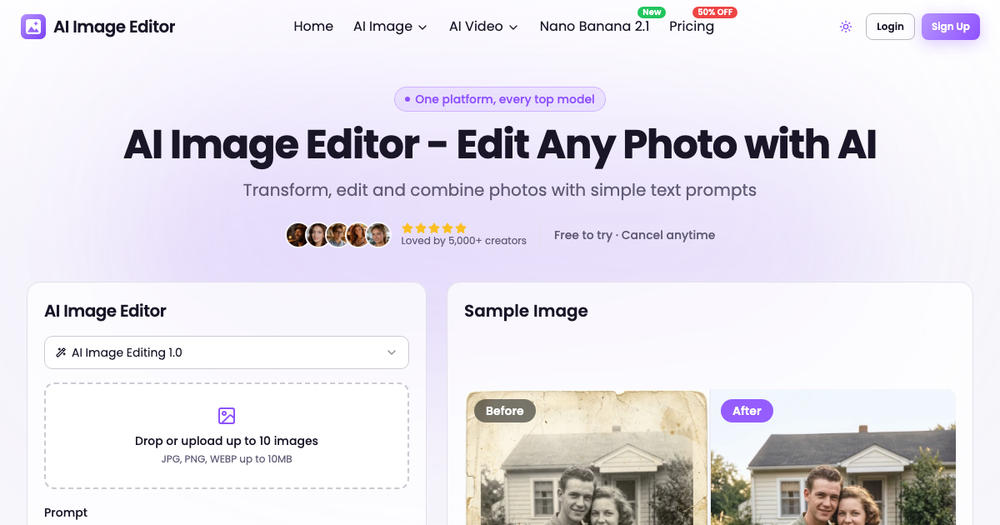
Transform, edit and enhance photos with simple text prompts

Published 2026/11/16. Check pricing and availability on the official site.

Introduction

AI Image Editor lets anyone edit photos just by describing the change. Upload up to 10 JPG, PNG or WebP images (up to 10MB each), type a prompt such as "make it winter with falling snow" or "change the background to a beach", and get professional results in seconds.

  • Text-prompt photo editing (remove objects, change background, restyle, enhance)

  • Character consistency across edits

  • Multi-image combination (up to 10 images)

  • Image-to-image generation / sketch to render

  • AI photo enhancer & old photo restoration

  • Aspect ratio and resolution controls; also AI image & AI video generators

Pricing: Freemium (1 free edit, 5 credits after signup, paid plans for 2K/4K). Contact: [email protected]

What is AI Image Editor?

Transform, edit and enhance photos with simple text prompts

Best for

  • People comparing AI Image Editor with similar AI tools before visiting the official website.
  • Teams looking for Artificial Intelligence workflows.
  • Users searching for tools related to Artificial Intelligence.

FAQ

What is AI Image Editor?
Transform, edit and enhance photos with simple text prompts
What is AI Image Editor best for?
AI Image Editor is best evaluated for Artificial Intelligence use cases. Review the description, categories, related tools, and official website to decide whether it fits your workflow.
Are there alternatives to AI Image Editor?
Yes. AIToolHunt shows related AI tools from similar categories so you can compare alternatives before choosing one.
Is pricing for AI Image Editor always current on AIToolHunt?
Pricing and plan details can change. Use AIToolHunt for discovery, then confirm current pricing and availability on the official website.

Newsletter

Join the Community

Subscribe to our newsletter for the latest news and updates